
Product Videos and Variant Media in a Shopify Lightbox
Organize images, product videos and selected variant media in one responsive viewer.
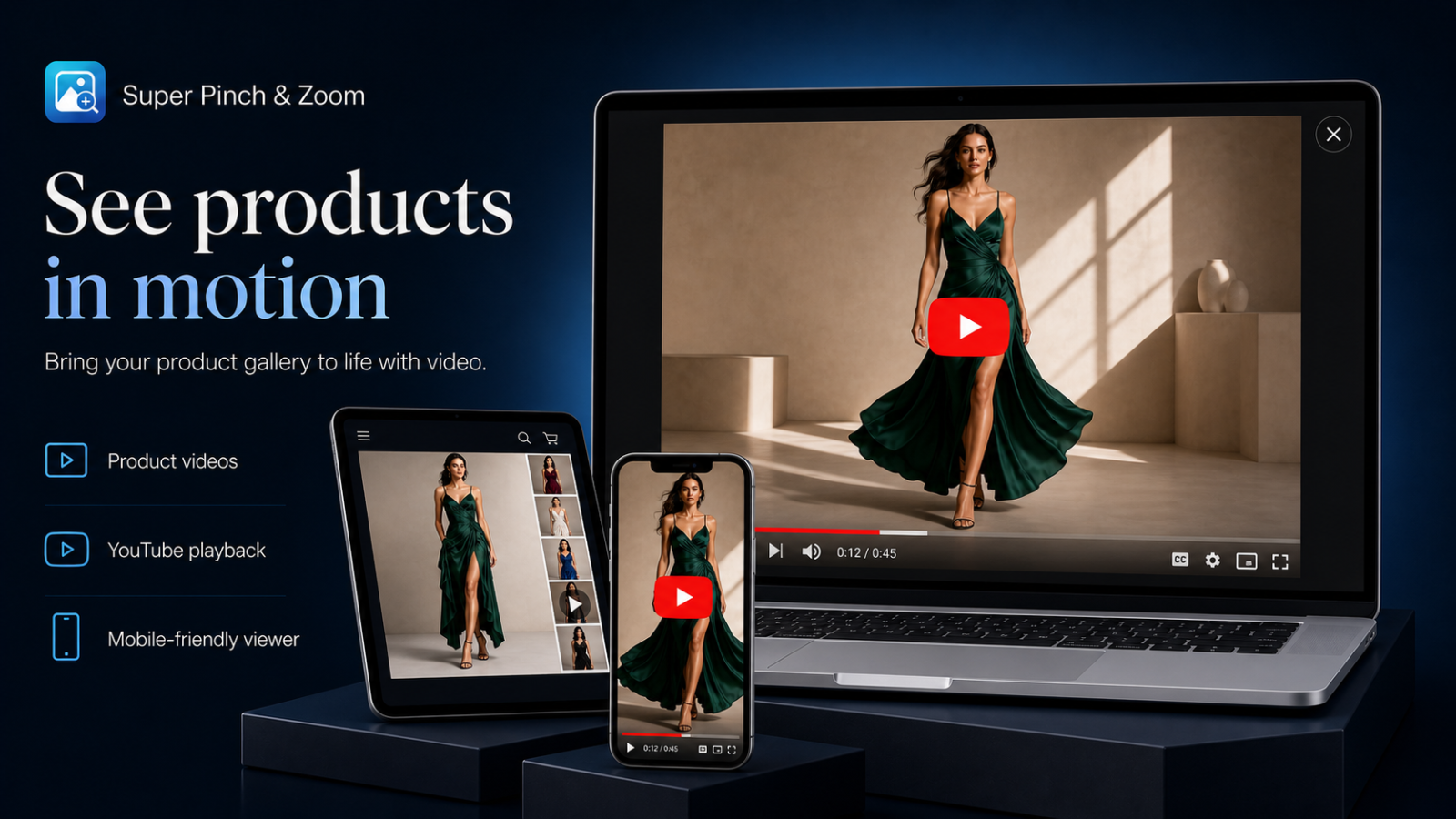
A Shopify product gallery can combine standard images, variant-specific media and video. A well-structured lightbox keeps those formats understandable while preserving the shopper’s product selection.
Plan the media sequence
Lead with a strong product image, then use alternate angles, detail shots and video to answer different buying questions. Avoid repeating nearly identical media. Thumbnails should communicate which item is selected and whether it is an image or video.
Preserve variant context
When a shopper selects a color or style, the viewer should open the matching media. Test variant changes before opening, while navigating and after closing the viewer. The selected option, displayed price and Add to cart state should remain consistent.
Use appropriate video sources
Shopify-hosted video keeps media in the product record and benefits from Shopify delivery. YouTube and Vimeo can be useful when those videos are already included in the gallery. Confirm the selected plan and theme markup support the source you intend to use.
Make playback respectful
- Do not start audible video unexpectedly.
- Keep play, pause, volume and fullscreen controls available.
- Pause playback when the viewer closes or another item is selected.
- Provide useful surrounding text for important product information.
- Check captions on hosted platforms when dialogue matters.
Test every navigation method
- Open the viewer from the main image and from a thumbnail.
- Use next and previous controls across images and video.
- Test keyboard navigation and Escape on desktop.
- Test tap, swipe and rotation on a phone.
- Change variants and confirm the correct media remains selected.
Watch performance
Video can be the heaviest item on a product page. Prefer poster images and user-initiated playback instead of loading every player immediately. Keep gallery scripts focused and remove duplicate media viewers. The goal is richer product understanding without delaying the primary image or purchase controls.