Optional Amazon-style Progressive Zoom
Desktop hover lens, product popup and second-click deep zoom, targeted to all products, a Shopify tag or selected products.
 Install on Shopify
Give shoppers a clearer view with responsive image zoom, mobile pinch, variant-aware media and product video—without rebuilding your product page.
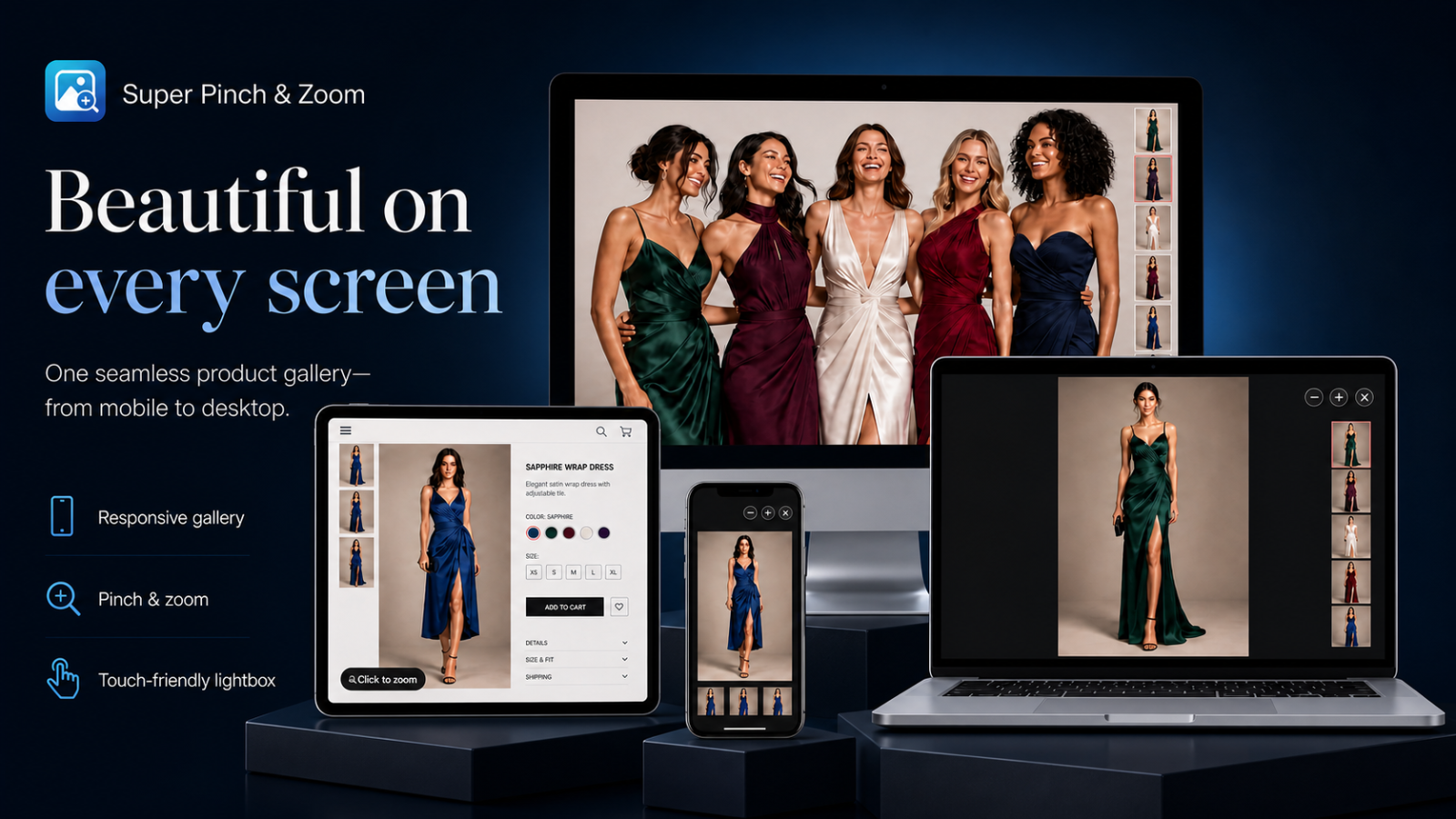
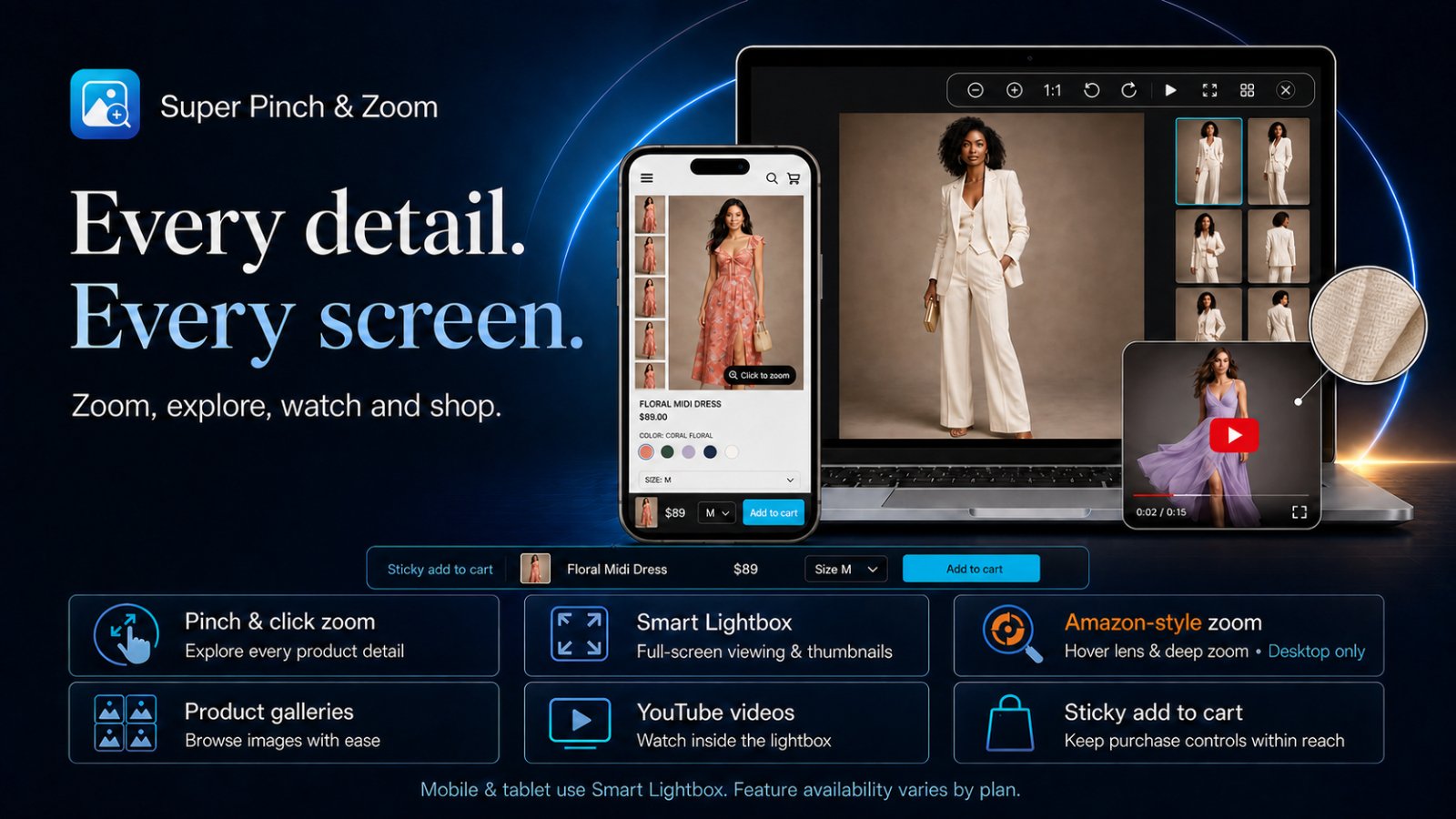
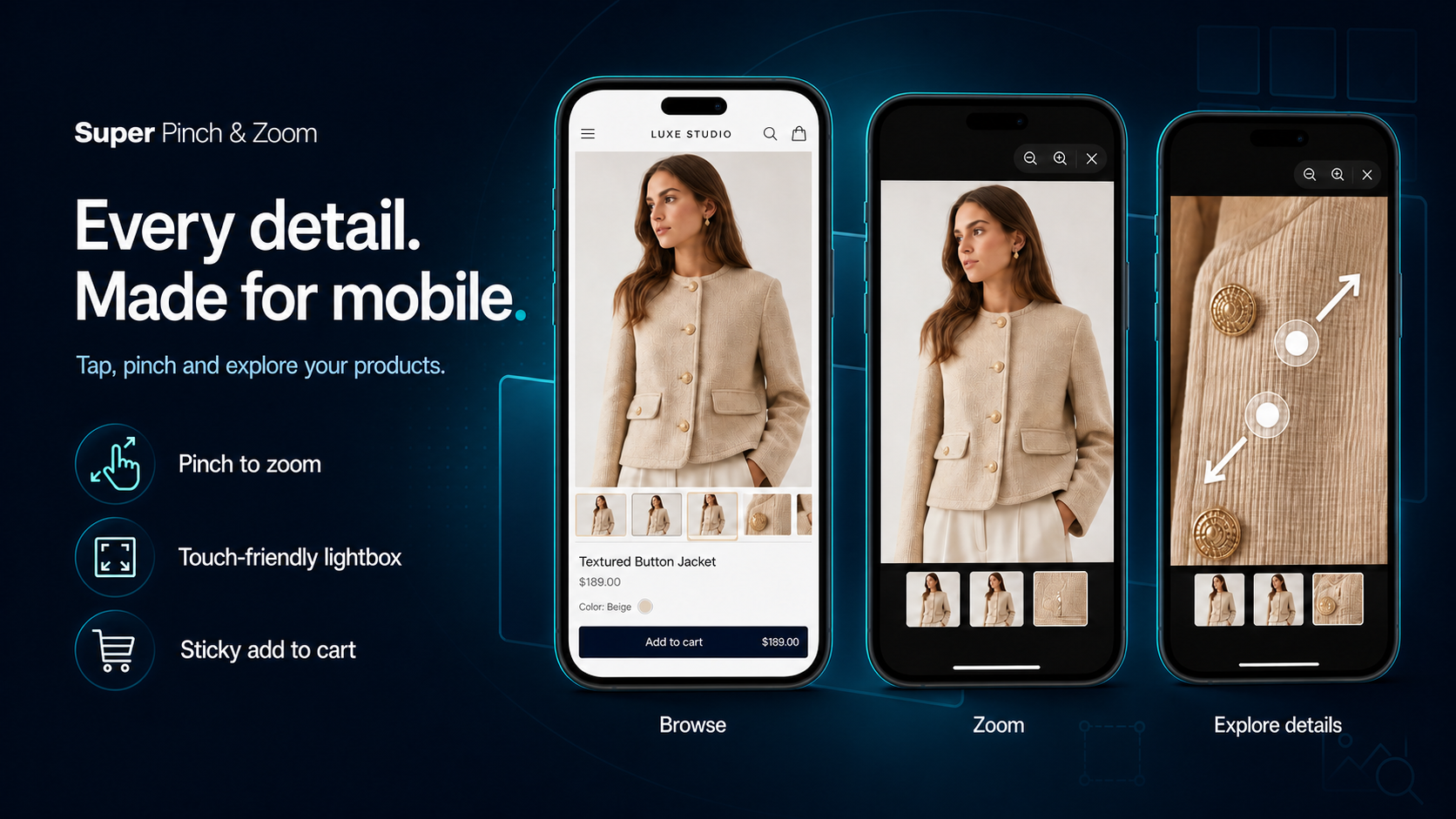
Start with essential image zoom, then unlock richer product media, advanced controls and optional conversion tools as your store grows.
Desktop hover lens, product popup and second-click deep zoom, targeted to all products, a Shopify tag or selected products.
Responsive click, wheel, swipe and pinch interactions with mobile-friendly controls and thumbnails.
Add persistent variant, quantity, price and purchase controls only when your store needs them.
Publish responsive grids, masonry or featured galleries with lightbox viewing and product tagging.
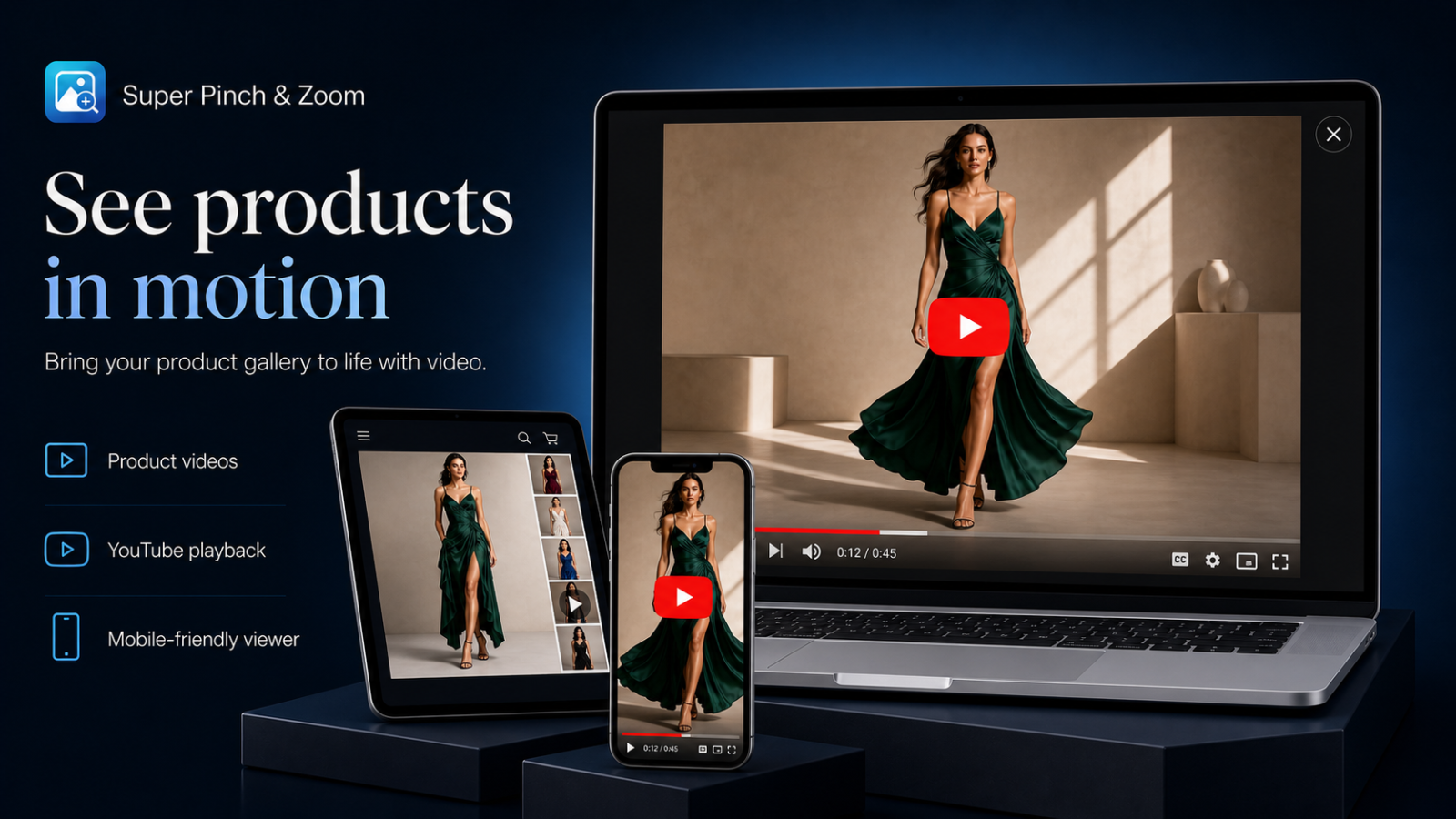
Show Shopify-hosted, YouTube and Vimeo product videos alongside gallery images.
Offer zoom, actual size, rotate, flip and reset controls when enabled for the current plan.
Make texture, color, craftsmanship and variant details easier to inspect. Gallery and purchase tools remain optional additions.
Crisp click-to-open zoom and smooth magnification make texture, finish and small details easy to inspect.
A touch-friendly viewer lets shoppers pinch, pan and browse naturally on phones and tablets.
Open the complete product gallery with thumbnails, navigation, captions and full-screen viewing.
Keep the selected color or size image synchronized when shoppers move into the zoom experience.
Present YouTube, Vimeo and Shopify-hosted product videos alongside product images.
Control the viewer style, thumbnails, captions, cursor and branding to complement the store theme.
Create responsive visual galleries with Shopify-hosted images, multiple layouts, lightbox viewing and tagged products.
Keep the selected product, variant, quantity, price and add-to-cart action visible only when your selling flow needs it.
Choose the image coverage, viewer controls, variant media and advanced zoom experience your products deserve. Sticky Cart and galleries are optional extras on eligible plans.
Basic image zoom · Manual media selector and image protection
Start free zoomBasic image zoom · Mobile pinch zoom · All gallery media
Unlock more zoomBasic image zoom · Mobile pinch zoom · All gallery media
Unlock more zoomBasic image zoom · Mobile pinch zoom · All gallery media
Unlock more zoomFeature availability follows the current plan configuration shown inside the app. Any configured trial is shown before Shopify asks the merchant to approve a paid plan. See the full plan comparison.
Choose a plan and open Super Pinch & Zoom from Shopify Admin.
In App embeds, enable Image Zoom & Lightbox and save. Sticky Add to Cart is optional.
Configure the zoom viewer, preview desktop and mobile, then publish.
Practical setup, merchandising and troubleshooting guidance for Shopify merchants.
Choose optional storefront tools according to the product story and buying journey.
Read guideOrganize images, product videos and selected variant media in one responsive viewer.
Read guideCreate a predictable touch-friendly product image experience on phones and tablets.
Read guide
GreatsHub AI Shop Assistant helps shoppers discover products and get useful answers while they browse your Shopify store.
Install Super Pinch & Zoom or preview the storefront experience in the demo store. Demo password: 1.
Need help? Email support@greatshub.com