
How to Prevent Two Product Zoom Viewers in Shopify
Stop a Shopify theme and an app from opening competing image viewers.
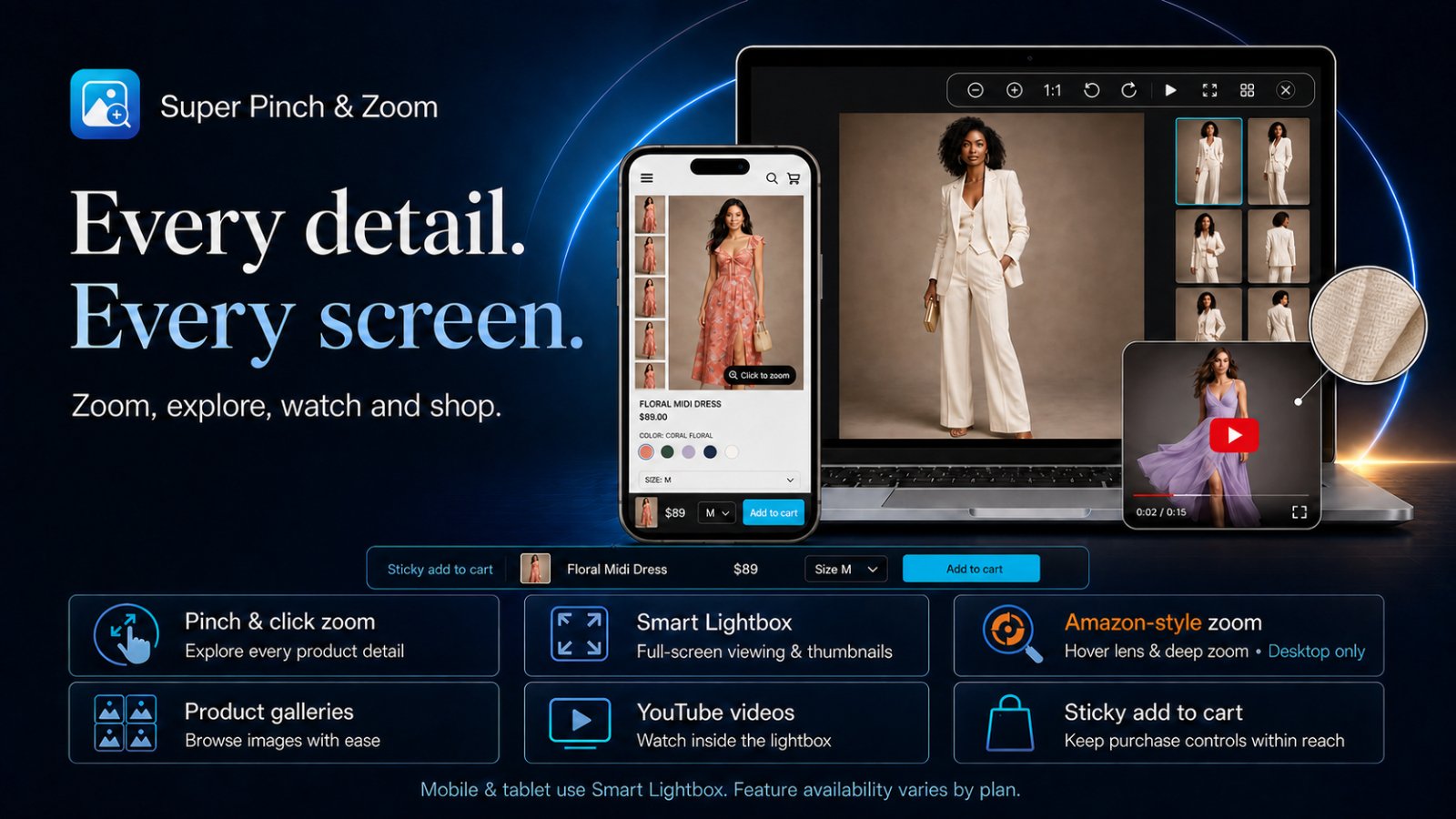
Two viewers usually open because the Shopify theme and a zoom app both respond to the same product-image click. Shoppers may see overlapping dialogs, two close buttons or a page that appears frozen. The solution is to identify both handlers and keep one.
Confirm that a conflict exists
- Open a product page in a private window.
- Temporarily disable the app embed in the theme editor.
- Click the same product image again.
If a viewer still opens, the active theme or another app supplies it. Re-enable the app after the test. Also check that you edited the live theme rather than an unpublished copy.
Disable the theme viewer
Customize the product template and inspect the product-media or gallery section. Look for settings such as image zoom, media zoom, click to enlarge, lightbox or media popup. Turn off the competing behavior, save, and reload the storefront.
Check other apps and custom code
If the theme has no relevant setting, temporarily disable other gallery, quick-view and media apps one at a time. Customized themes may attach click handlers in snippets or custom JavaScript. Do not remove theme code until the responsible feature is confirmed; work on a duplicate theme when code changes are necessary.
Test after the change
- One click opens one viewer.
- The close button restores page scrolling.
- Next, previous and thumbnail controls work once.
- Changing a variant updates the media shown.
- Touch gestures do not trigger a second overlay.
- Quick-view cards and featured-product sections still behave correctly.
Prevent the issue from returning
Retest after changing themes, installing another gallery app or updating a heavily customized product section. Keep a short record of which native theme setting was disabled. This makes future theme upgrades easier to verify.
If the conflict remains, send support the storefront URL, active theme name, example product URL and a short screen recording. Those details usually reveal whether the second viewer comes from the theme, an app embed or custom script.